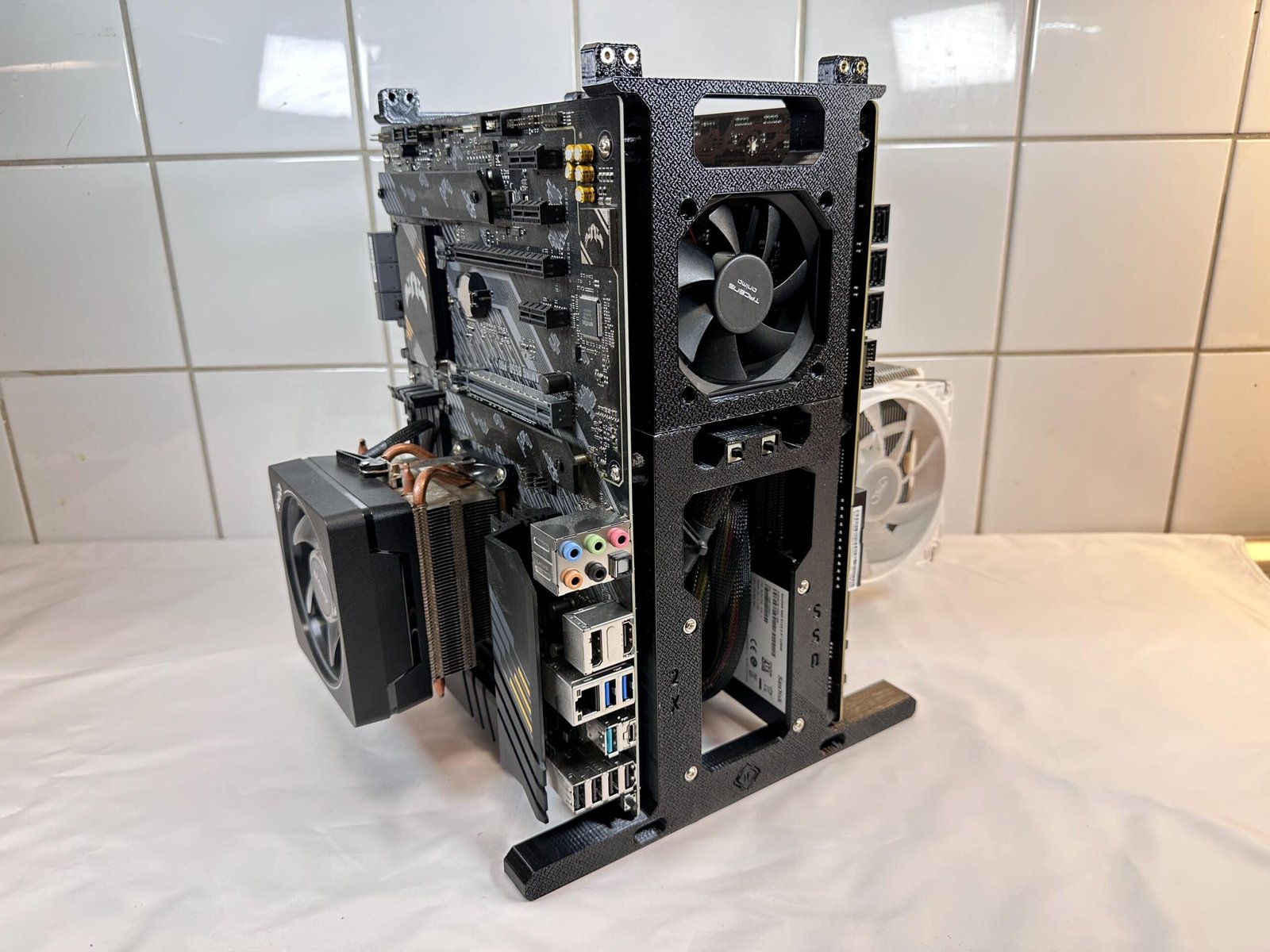
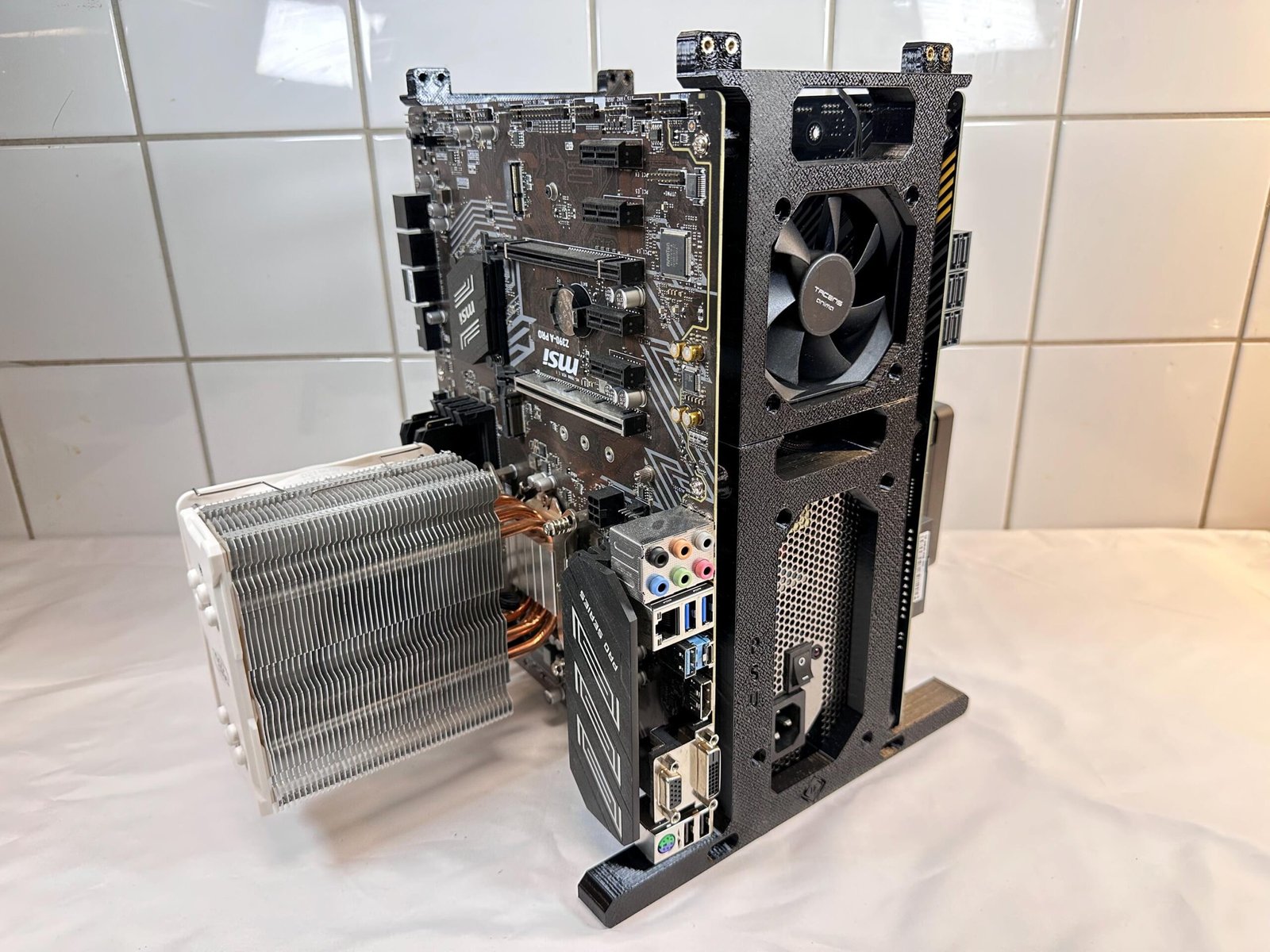
A clear, visual guide for assembling the frame and installing the primary PC components of the Stackable Dual Vertical Test Stand.
20x M3 Screws4x 6-32 PSU screws2x power buttons
Use a clean, flat work surface.
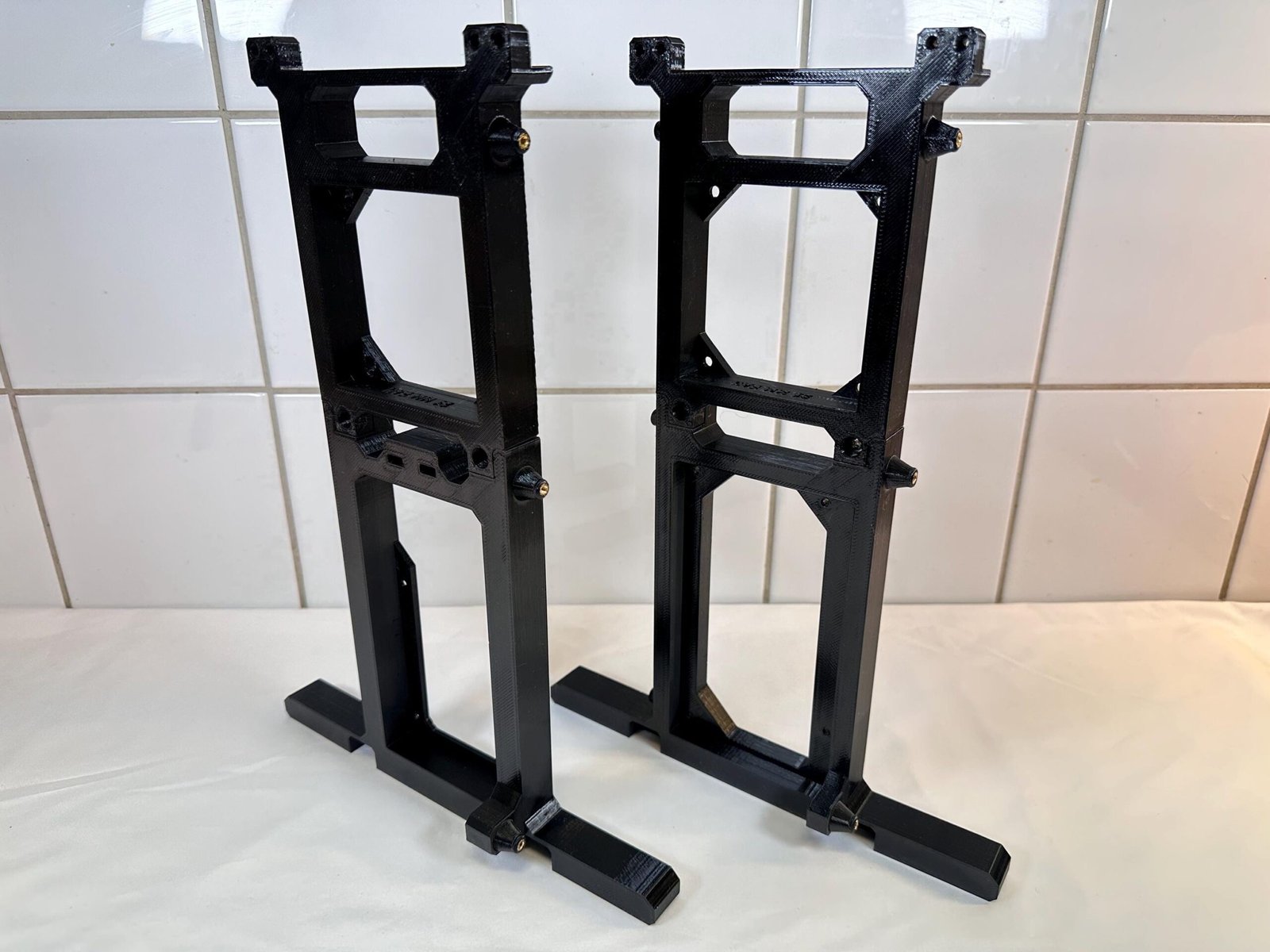
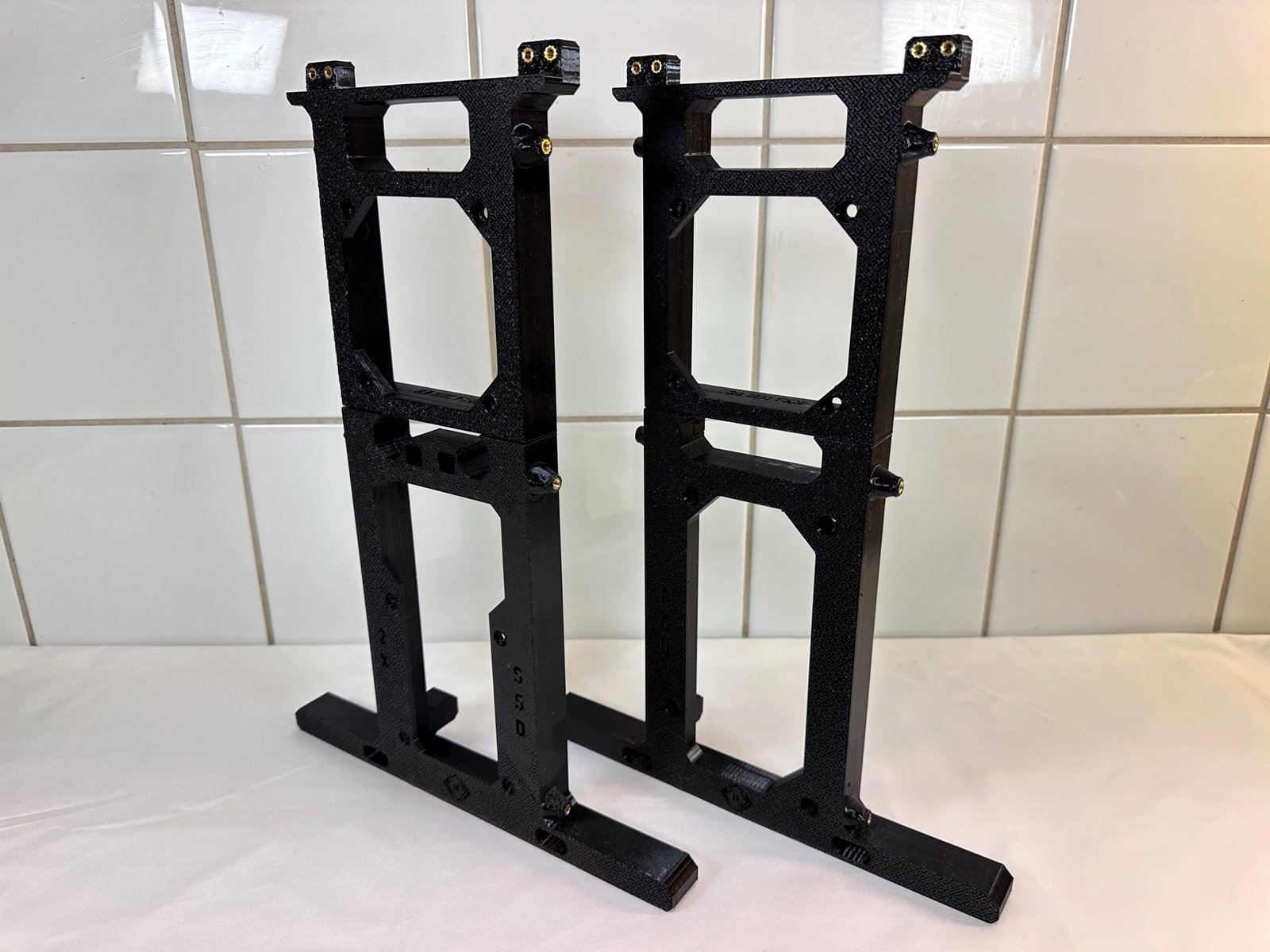
Main frame
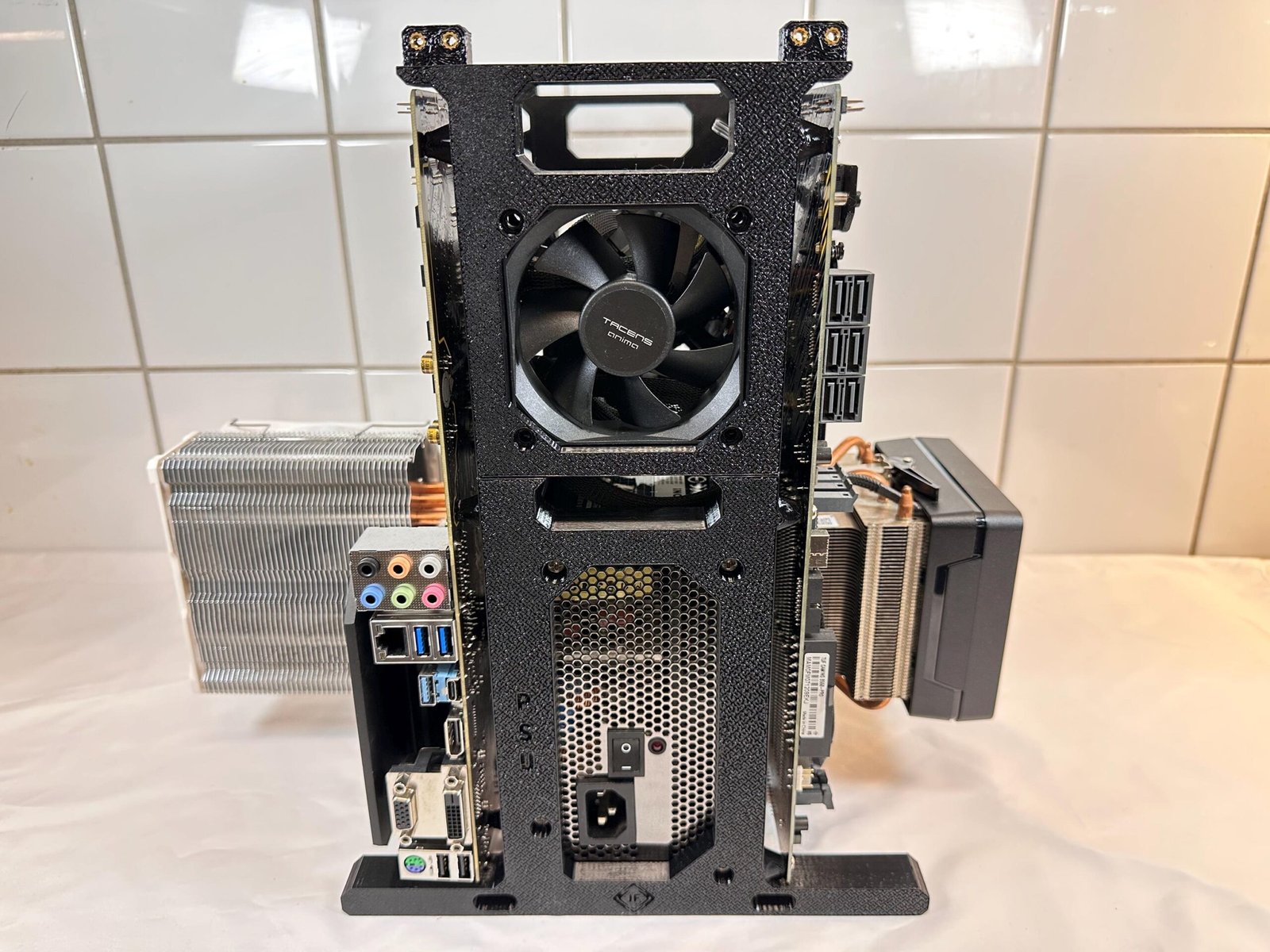
Power Supply
Motherboard
Fan & Drives
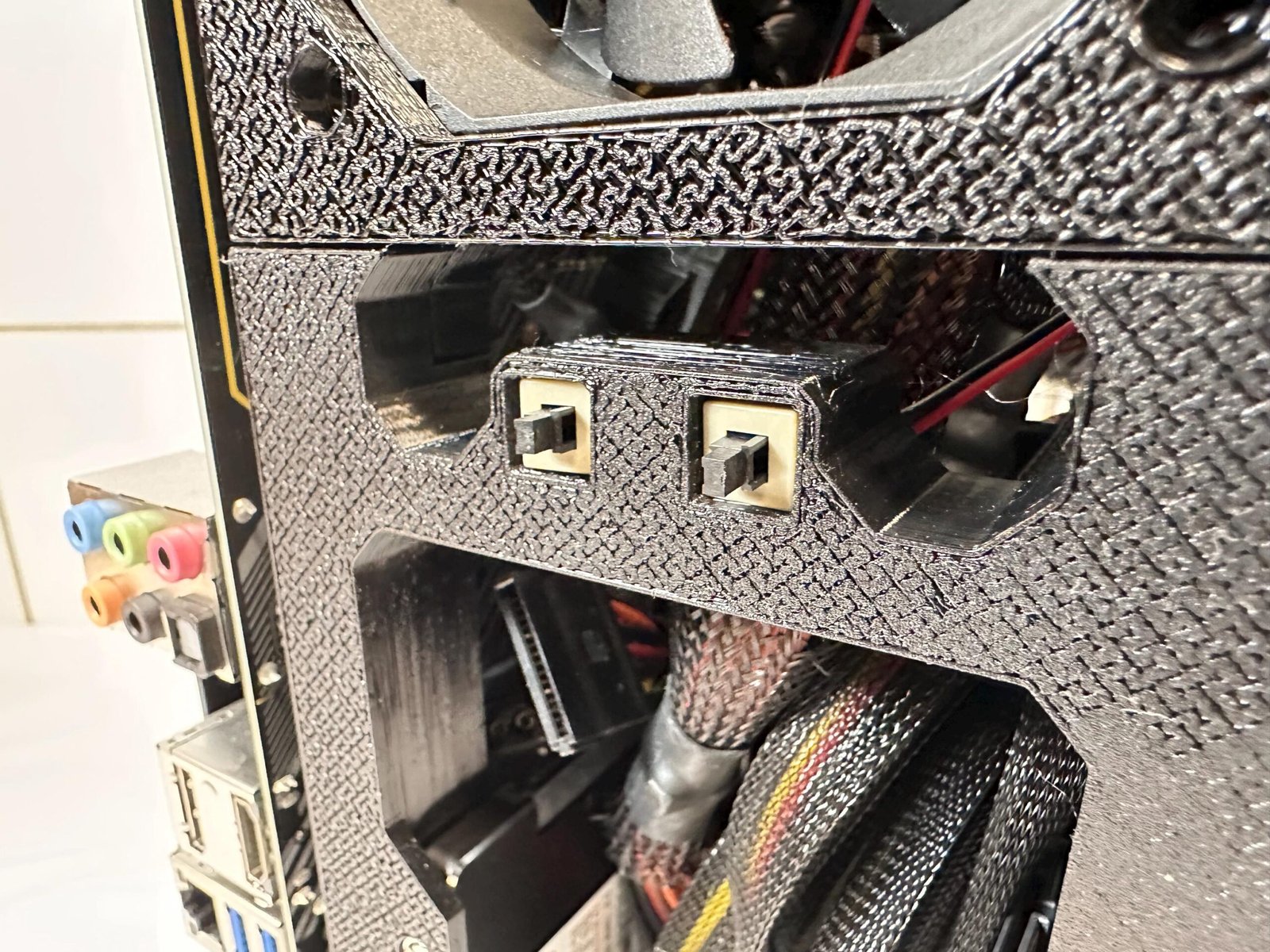
Power button
Final check
Lay out the frame sections, motherboard tray, support arms and brackets etc. before starting.
This product is comprised of 4x main components:
4× M3 screws
Both of the frame’s upper parts are identical. They are secured from the backside.
4× 6-32 PSU screws
Tighten the frame gradually and evenly.
12x M3 screws
Orient the rear I/O ports on the motherboards to face them towards the PSU.
4x M3 screws
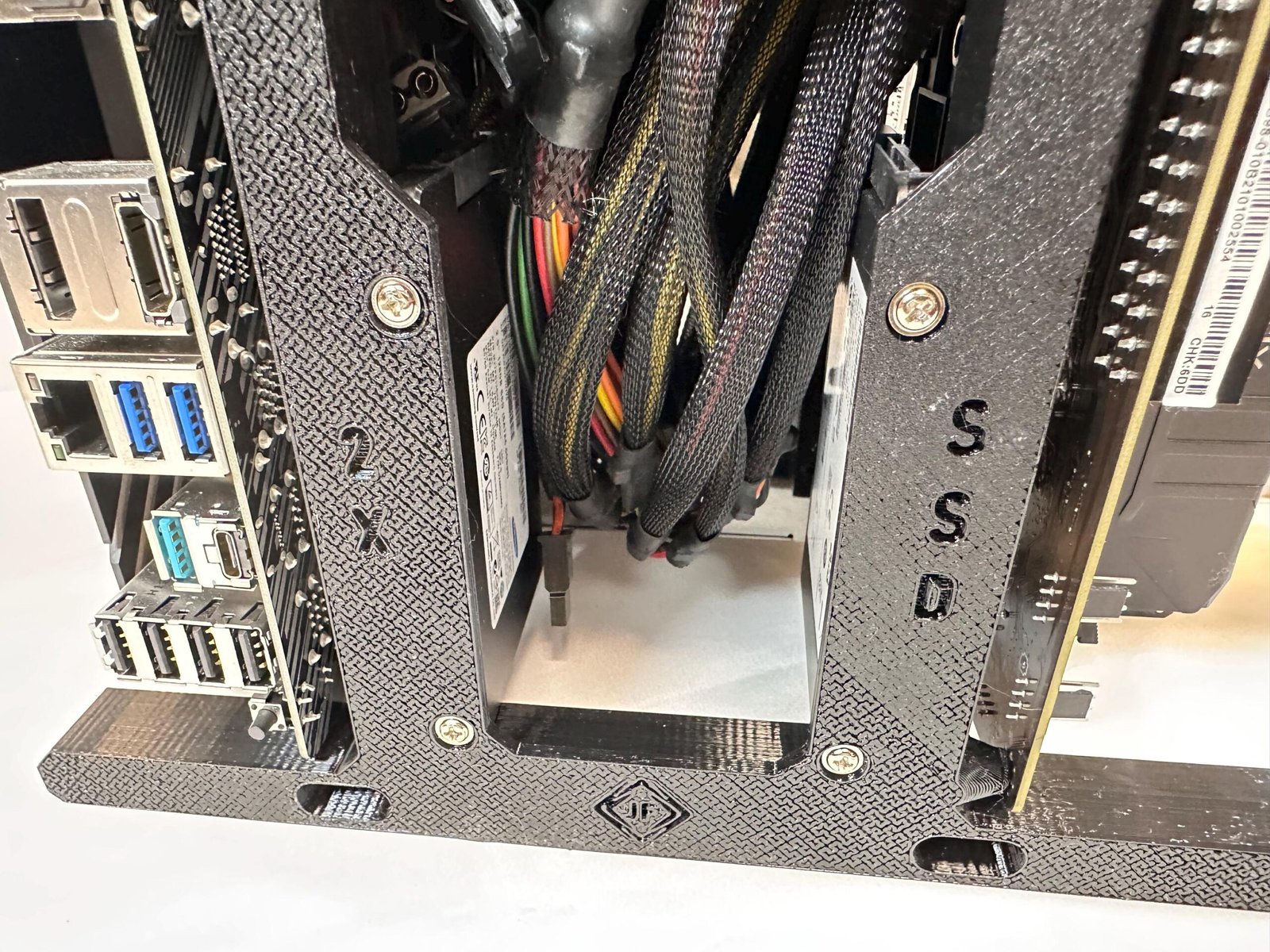
The “2 x SSD” markings visualize where to mount the SSDs.
2x Power button8x Fan screws (not included)
The fans are inserted from the back, and attached with screws from the front.
Is the instruction wrong or misleading? Perhaps you have a suggestion? We’d be delighted to hear from you regardless!
Contact us using the form at our Contact page.
Reach out to us by sending us an email.
Your cart is currently empty!
Notifications