Assembly Instructions

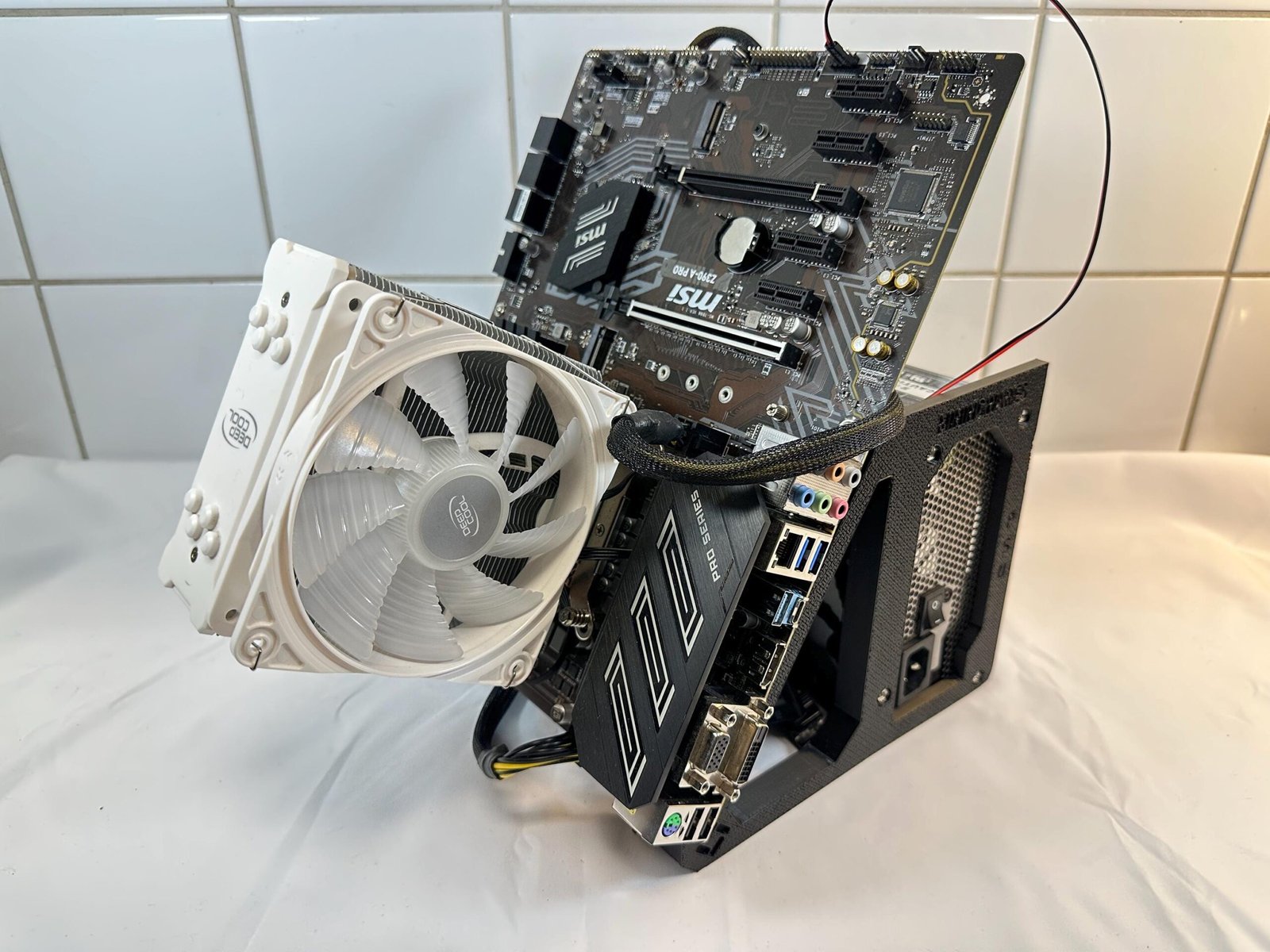
Angled Motherboard Test Bench

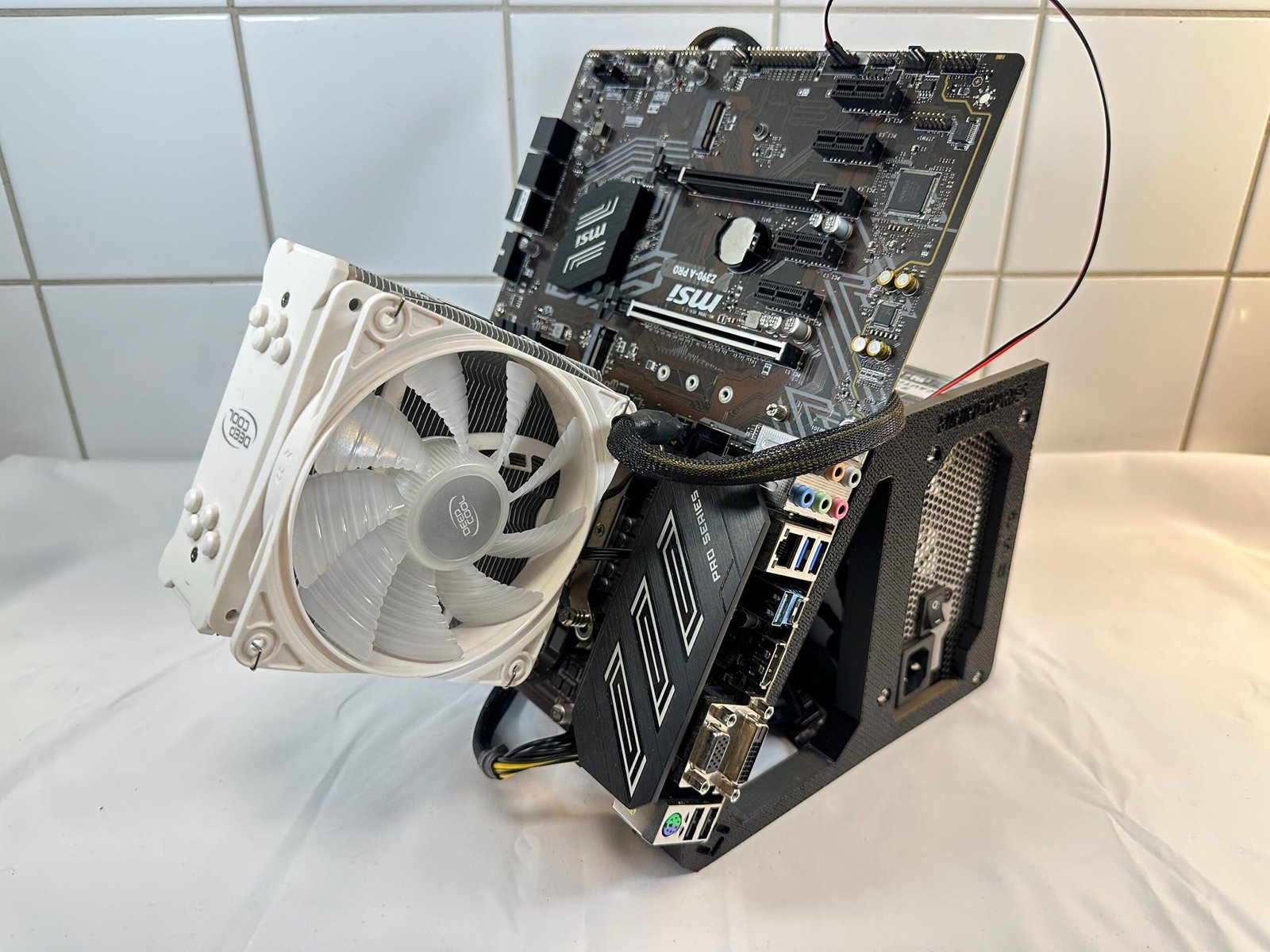
This guide explains how to assemble the Angled Motherboard Test Bench

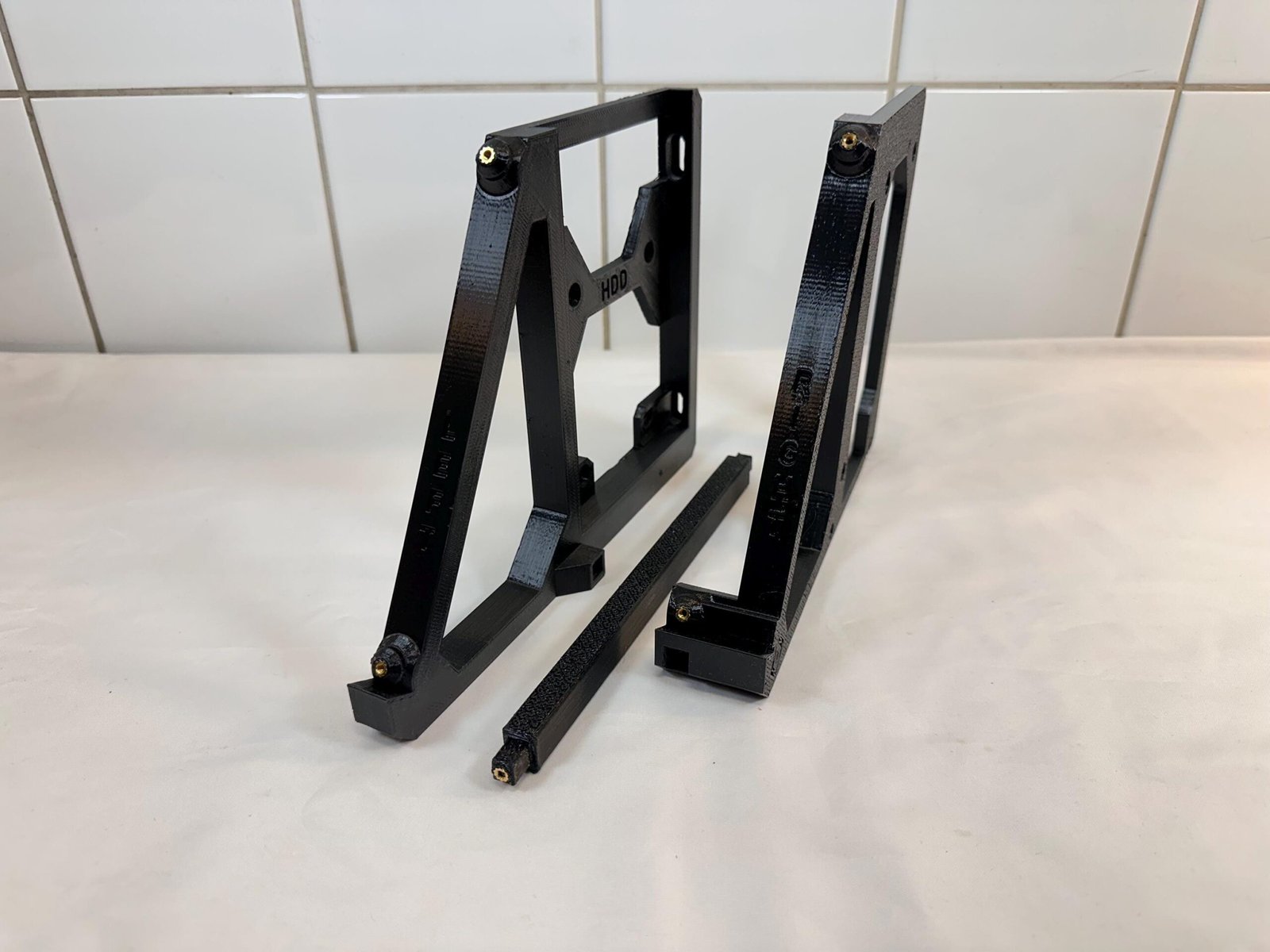
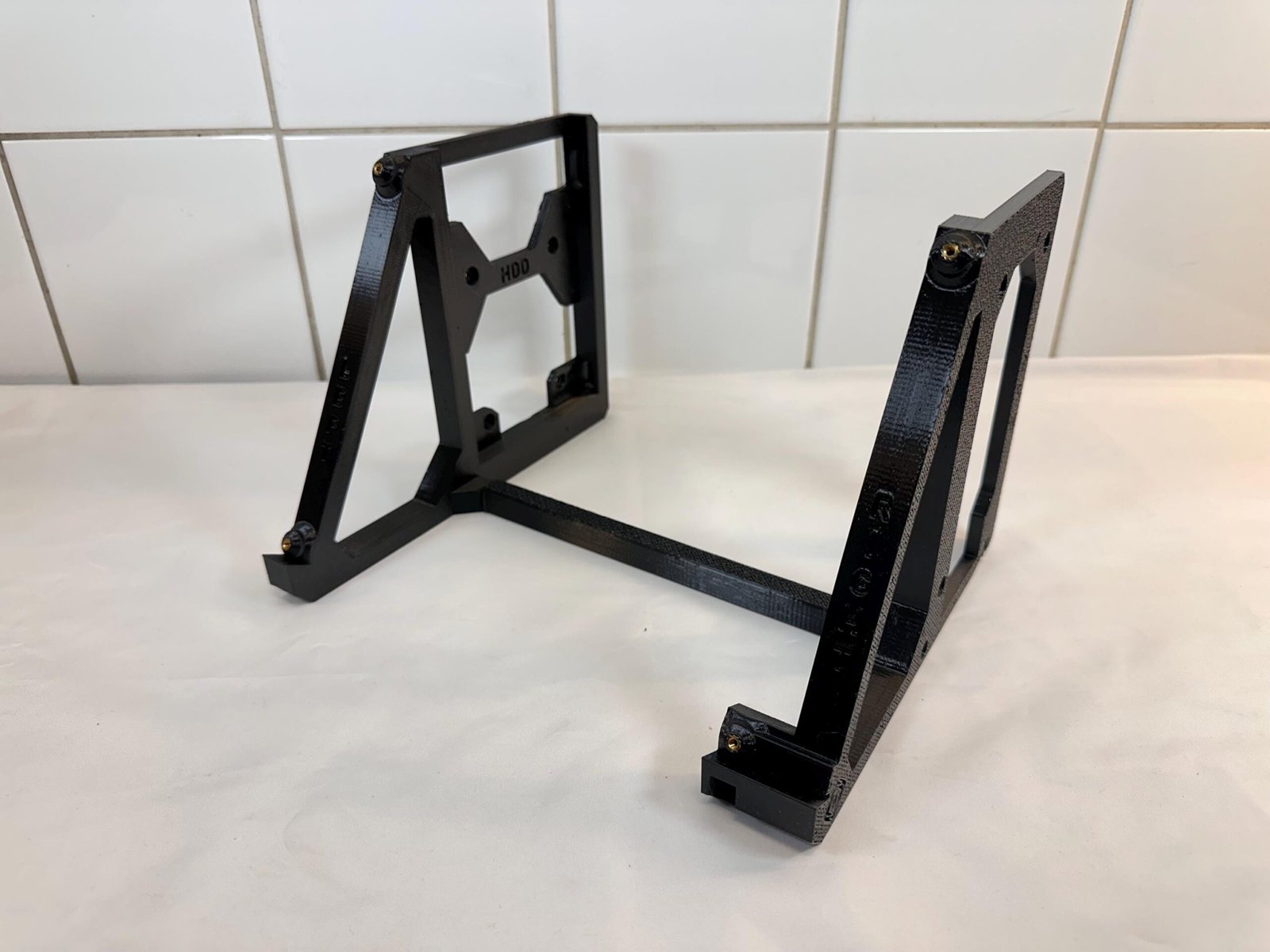
Important: This product only includes the frame components and mounting hardware. Computer hardware
such as motherboard, PSU, SSD, GPU and PCIe riser cable are not included.

Included Hardware Quantity

  • 8x M3x5 Screws
  • 8x 6-32 PSU Screws

Required Tool: Phillips PH1 screwdriver

Assembly Guide

(Optional) Step 3 – Mount Desktop Fan
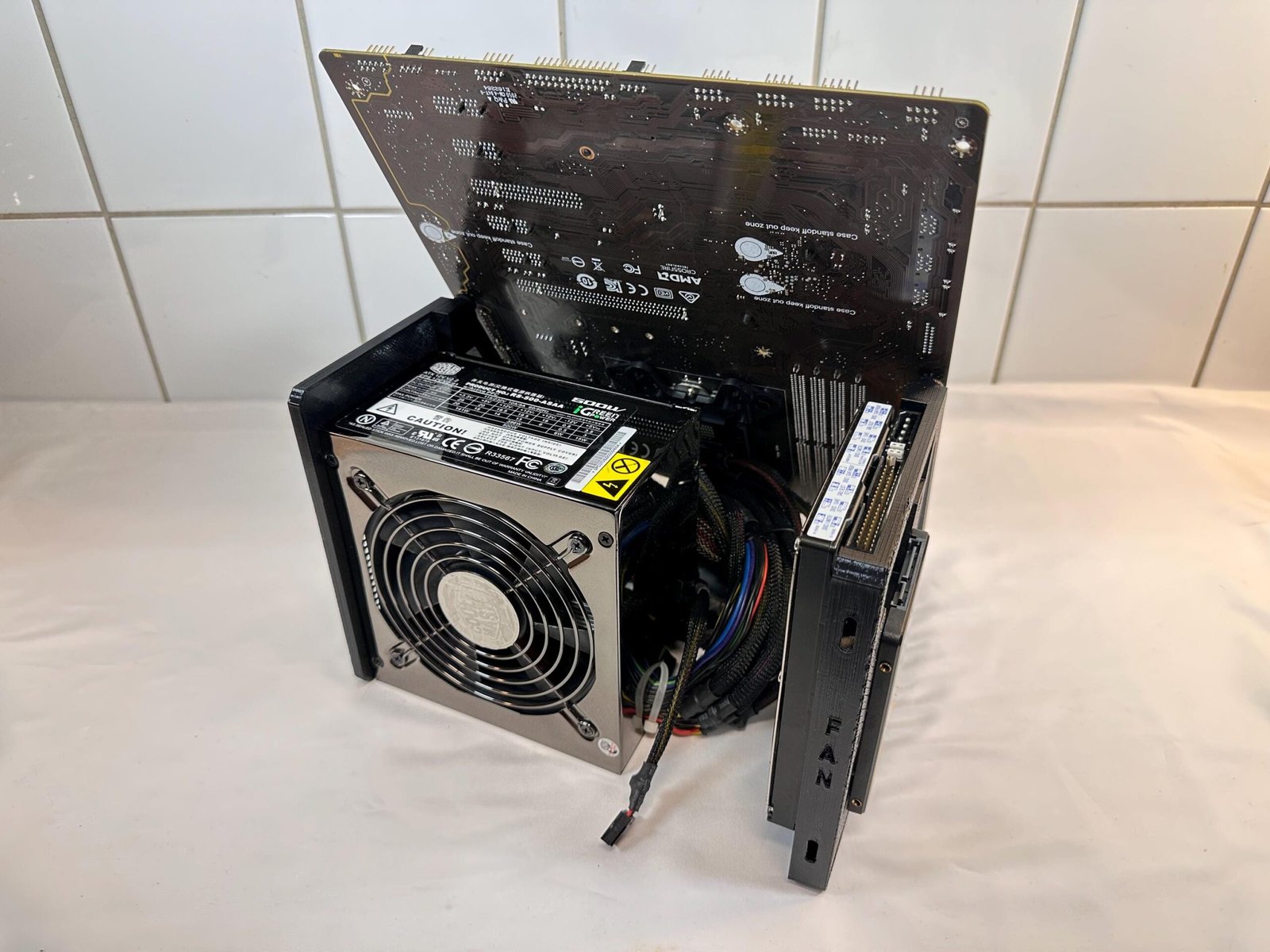
The left motherboard leg has a mount for either a 120mm or 140mm desktop fan. Align the desktop fan to the holes on the backside of the left motherboard leg marked with FAN, and secure it with 2x fan screws from the other side.

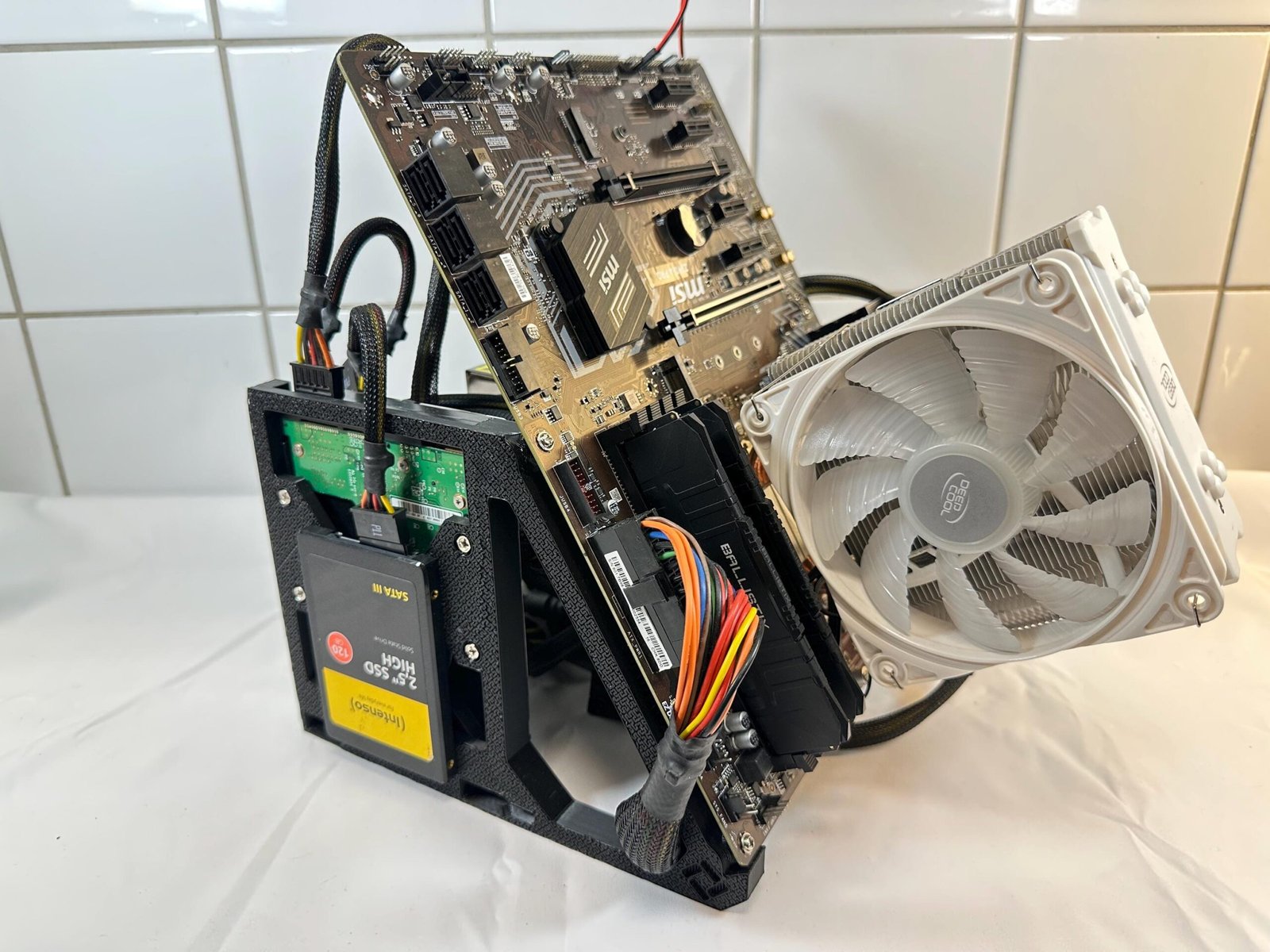
The left motherboard leg has a mount for an SSD & HDD. Mount either SSD or HDD on that particular side of said leg that is marked with the corresponding type: SSD or HDD by using 4x M3x5 screws for the SSD, or 4x 6/32 screws for the HDD.

NOTE: You’re required to mount the SSD before the HDD as mounting the HDD first will block the screw holes designated to mounting the SSD.

Final Assembly
Verify that all screws are tightened properly and that cables are routed safely.
Cable management and hardware configuration may vary depending on components used.

Designed & Manufactured by Jzon Fabrications

Last revision date: 2026-05-20