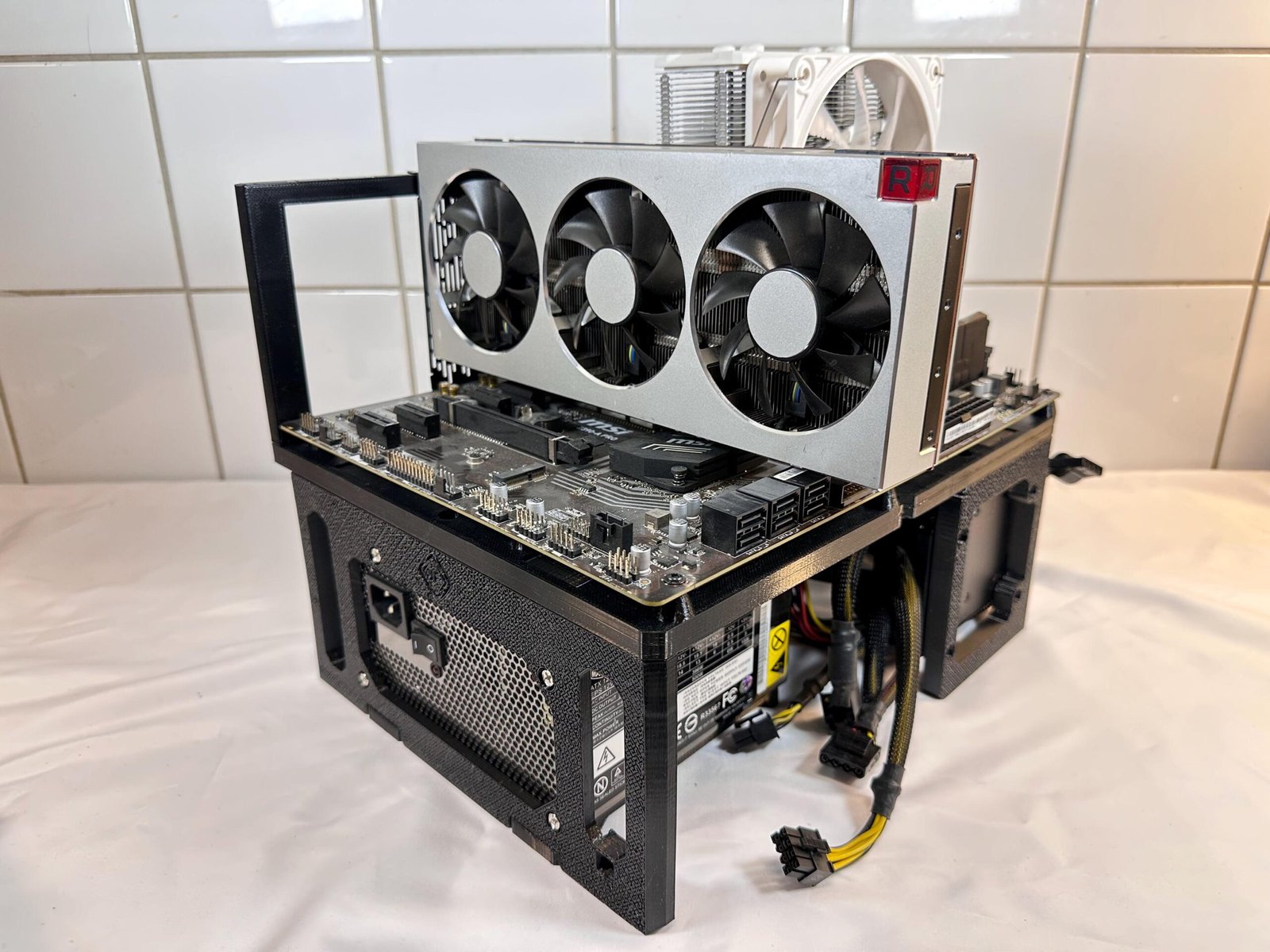
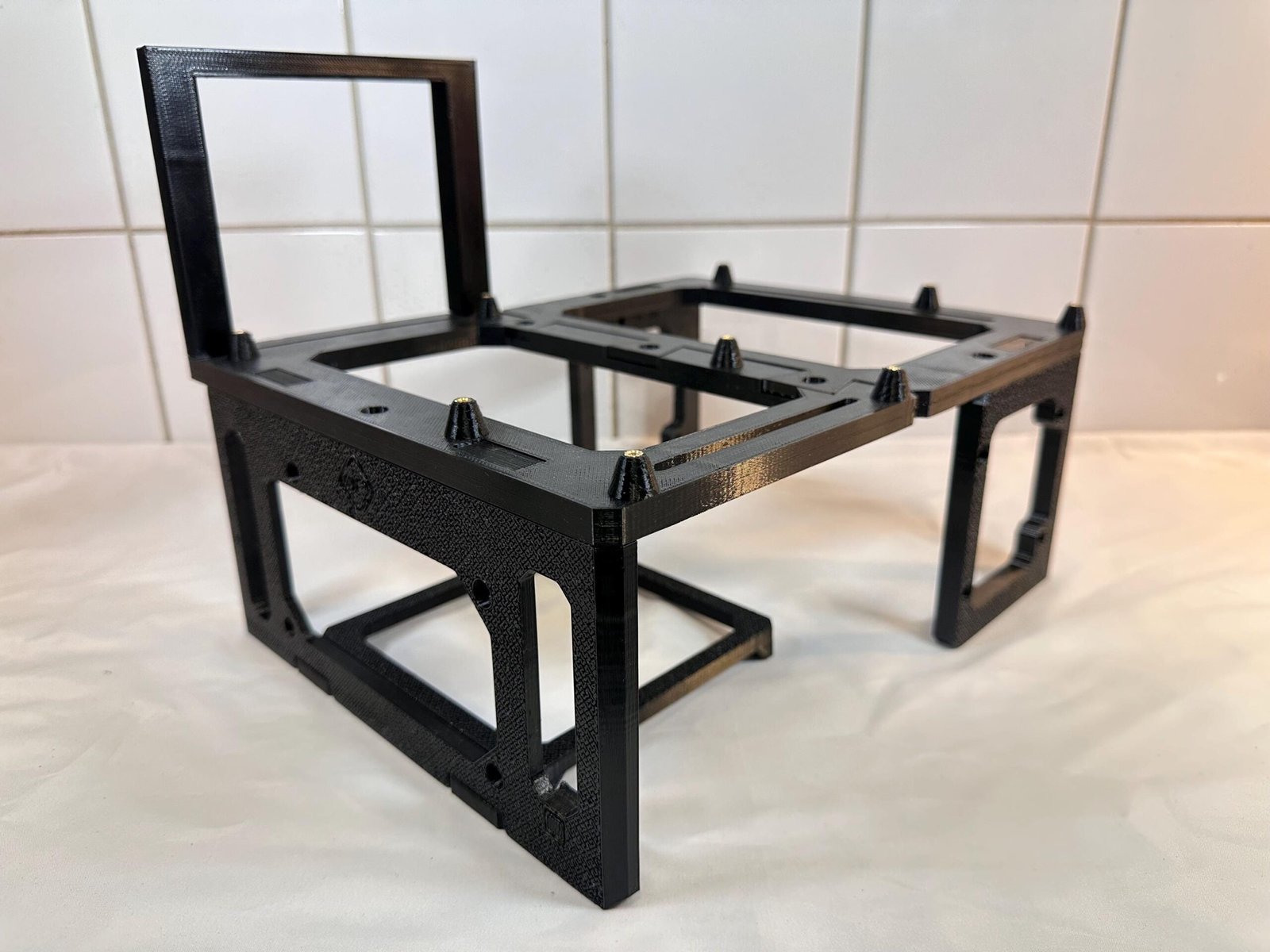
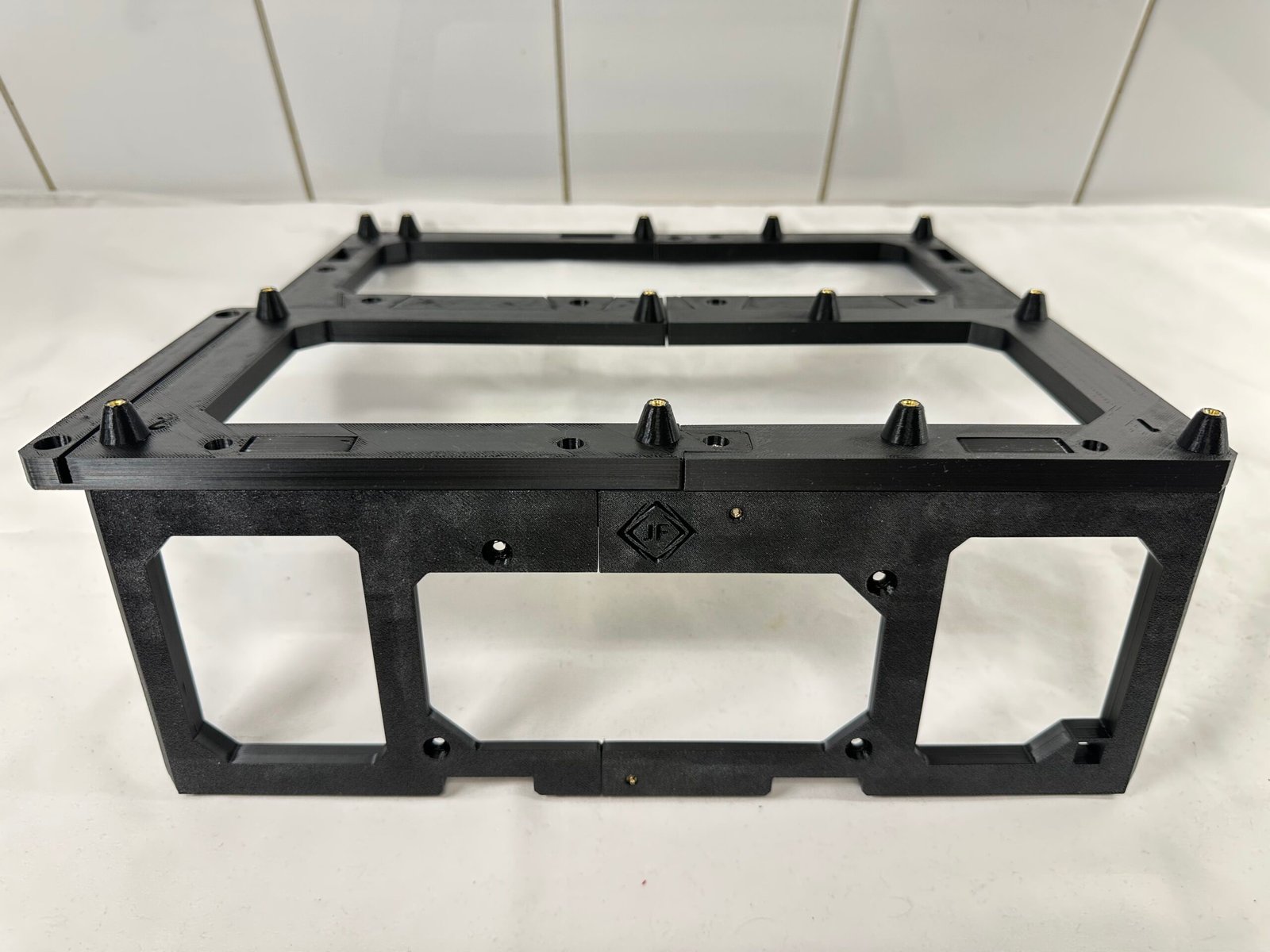
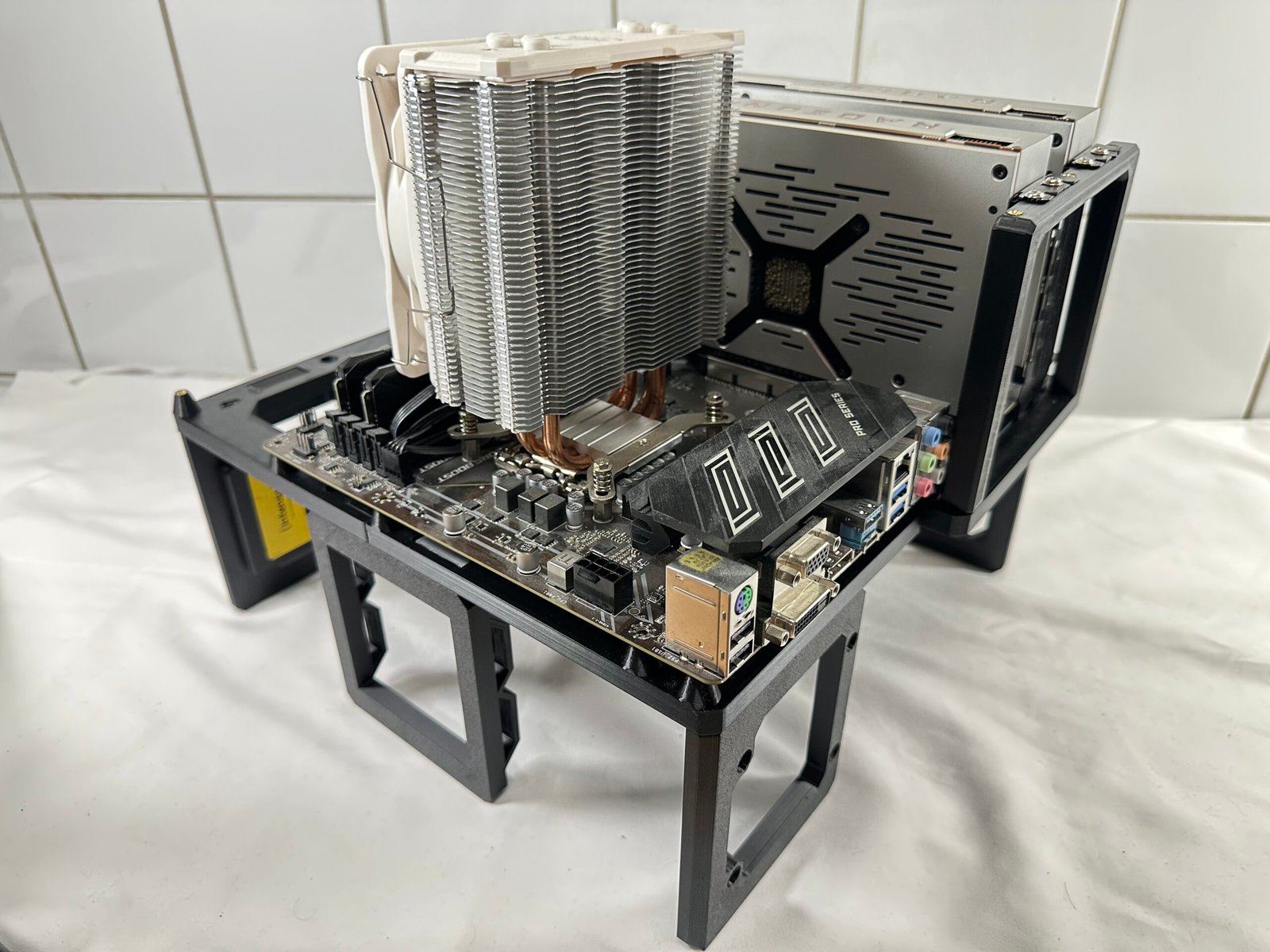
A clear, visual guide for assembling the frame and installing the primary PC components of the Open Air PC Test Bench.
This guide applies to all 3 variants: mATX / ATX / EATX
26-32x M3 Screws4x 6-32 PSU screws1x power buttons
Use a clean, flat work surface.
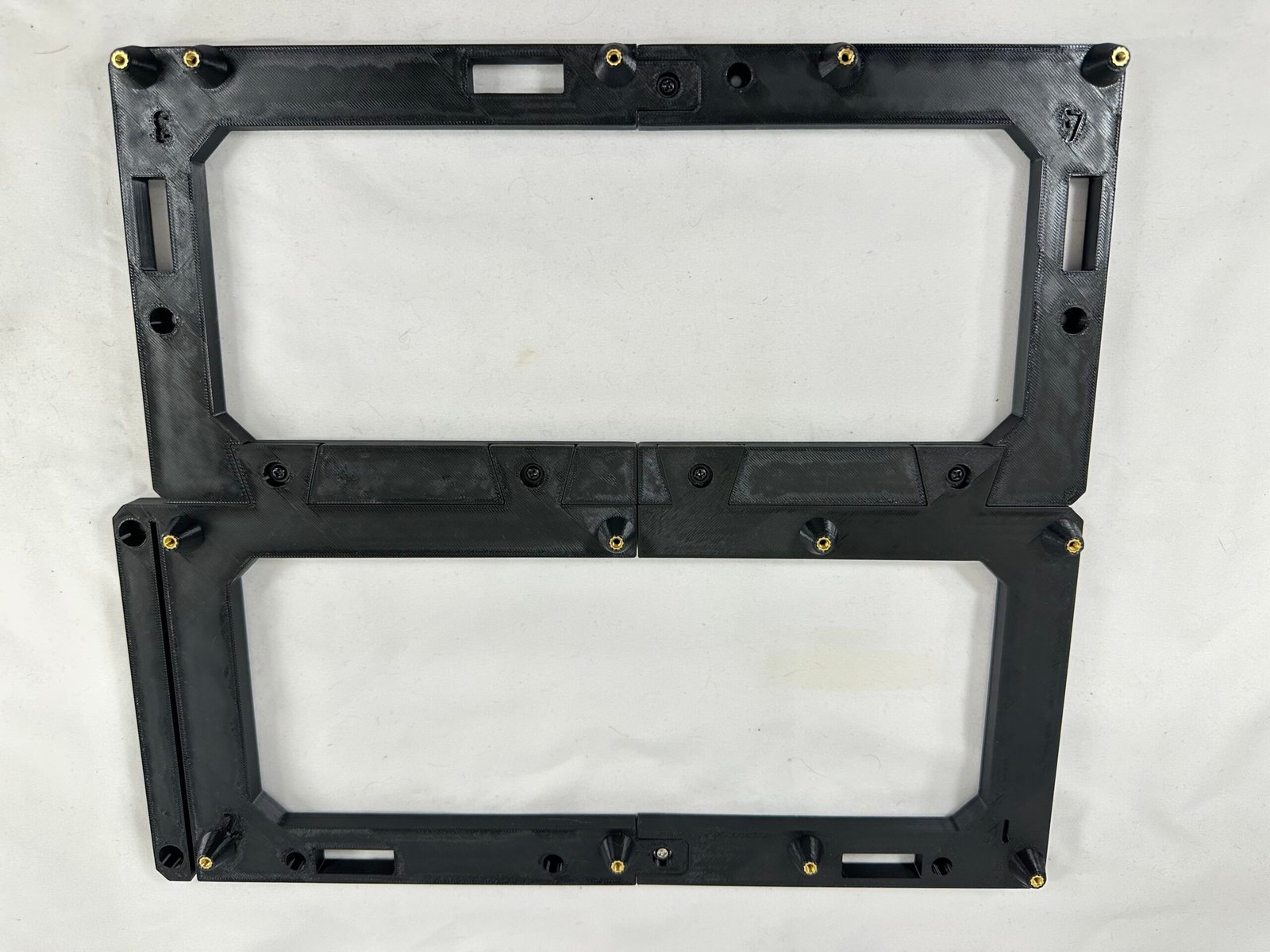
Motherboard panels
Stand legs
Power Supply rest
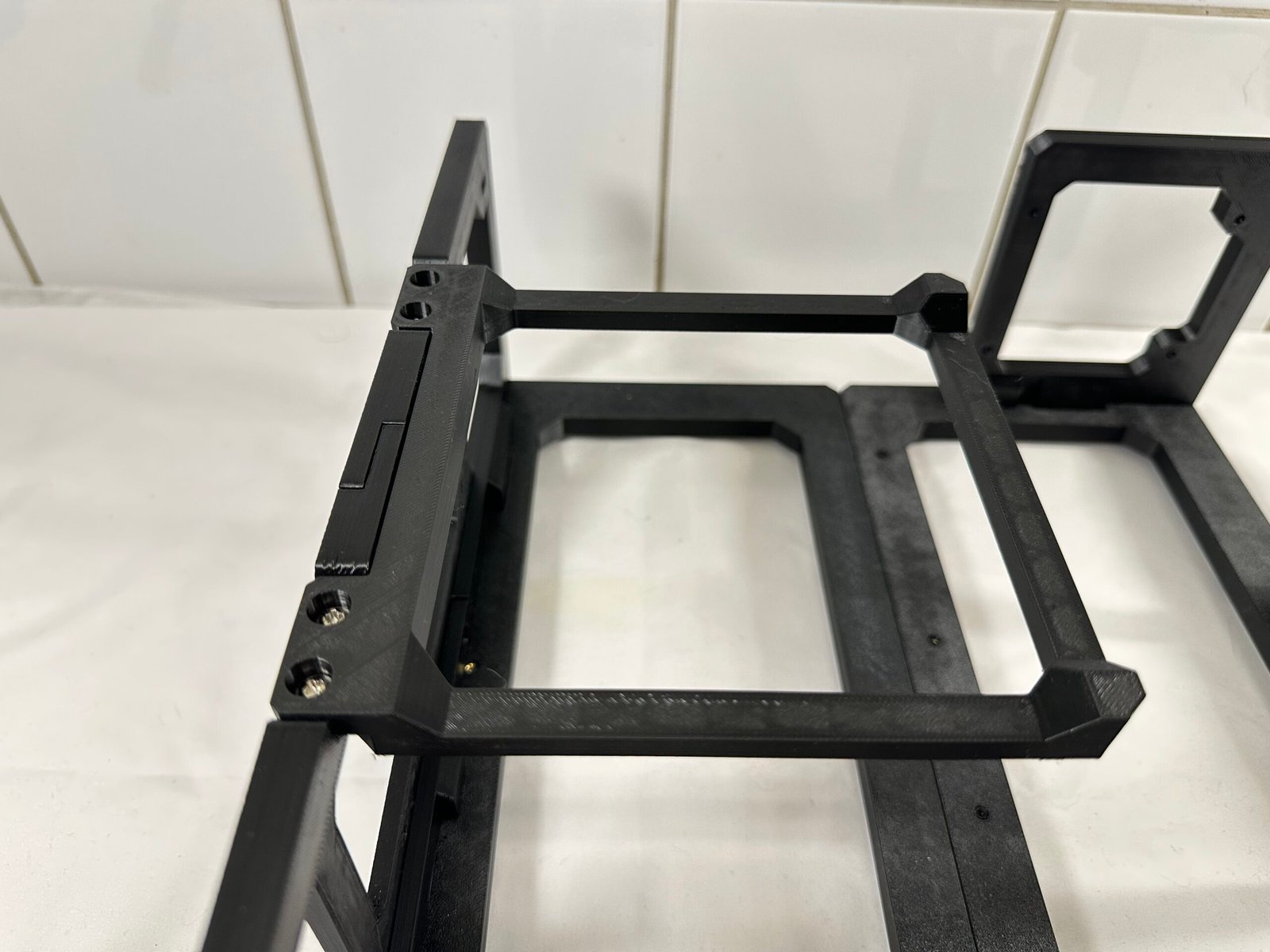
GPU Bracket
Hardware & Power button
Final check
Lay out the frame sections, motherboard tray, support arms and brackets before starting.
This product is comprised of 7x main components:
3-4× M3 screws
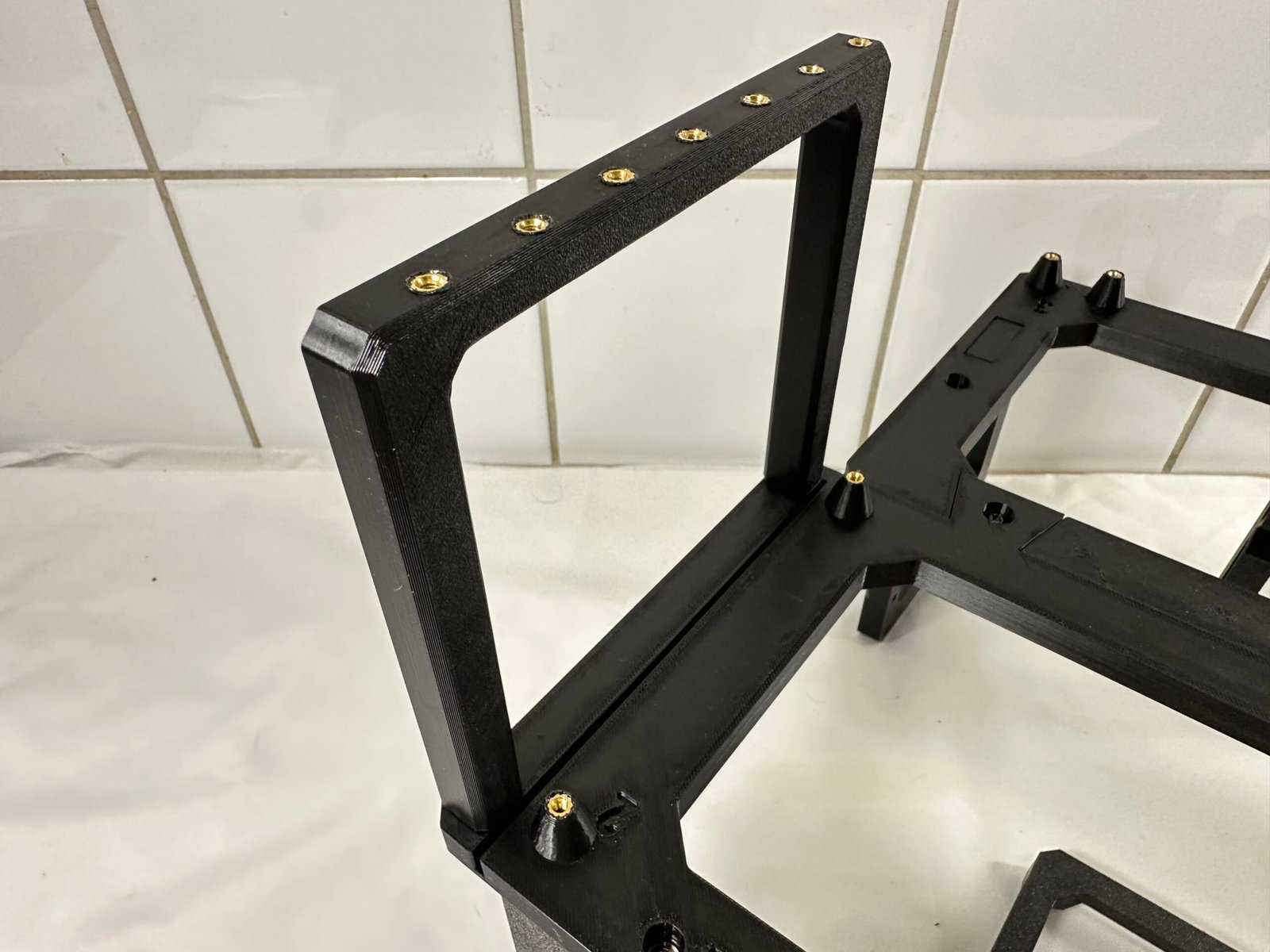
The 3-4 triangles on one panel should fit well in the sockets of the other panel.
3-5× M3 screws
4x M3 screws
Turn the assembly upside down for the best accessibility.
2x M3 screws
Note that the screw holes on top of GPU-bracket have to face inwards. Otherwise, they won’t align with the mounting holes on your GPU.
1× Power button11-21x M3 screws
Cable management and hardware configuration may vary depending on components used.
Is the instruction wrong or misleading? Perhaps you have a suggestion? We’d be delighted to hear from you regardless!
Contact us using the form at our Contact page.
Reach out to us by sending us an email.
Your cart is currently empty!
Notifications