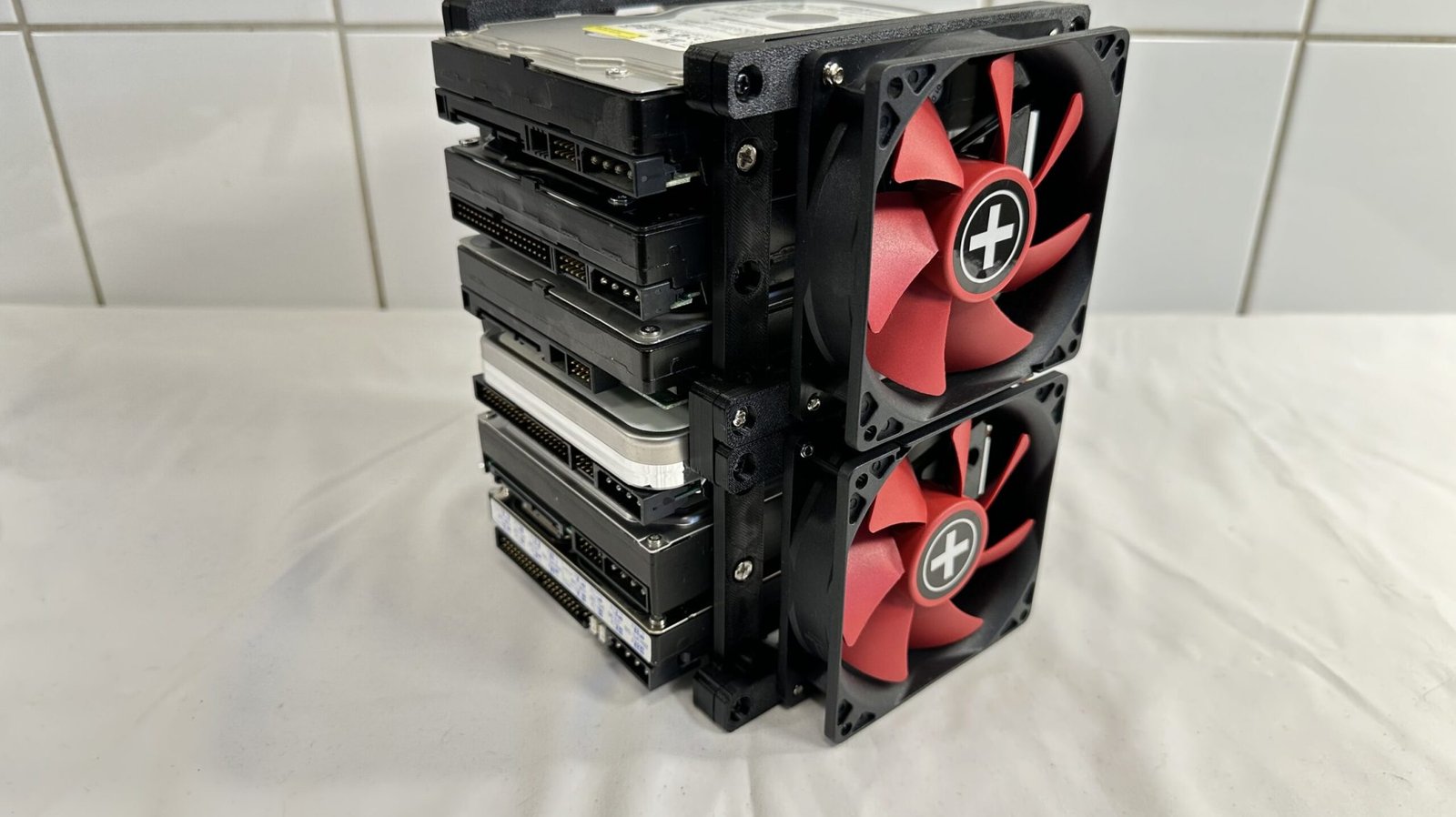
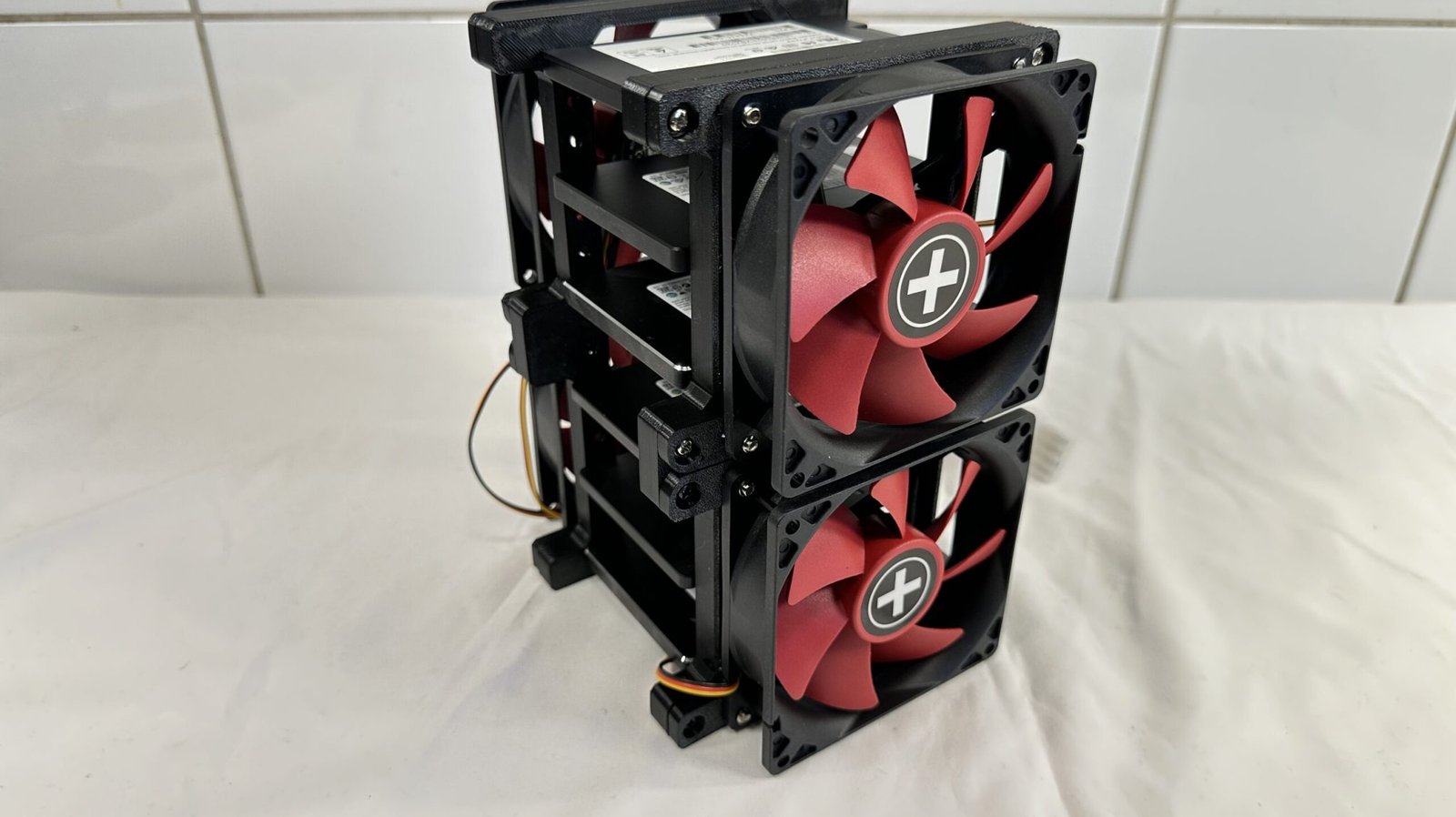
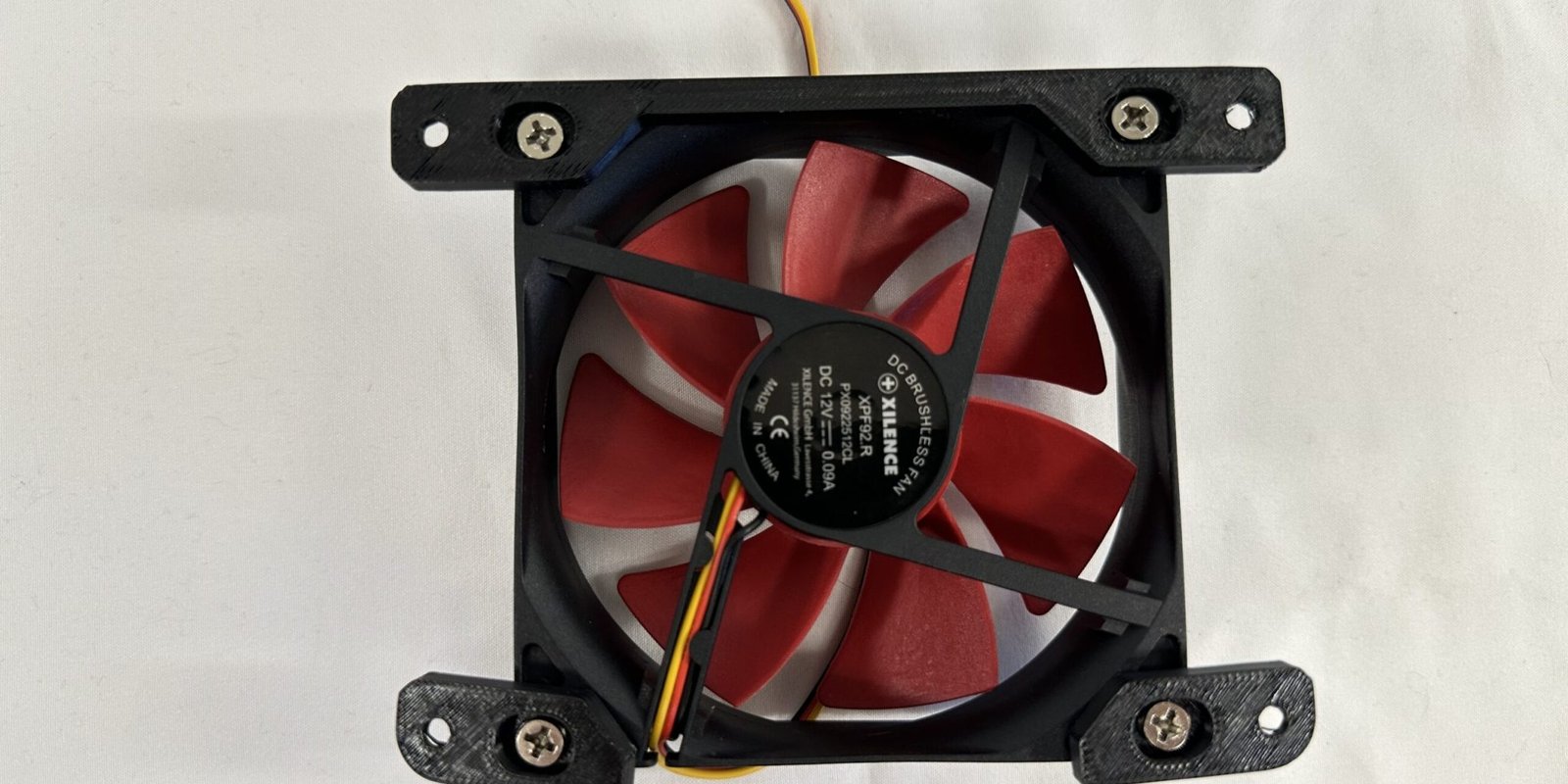
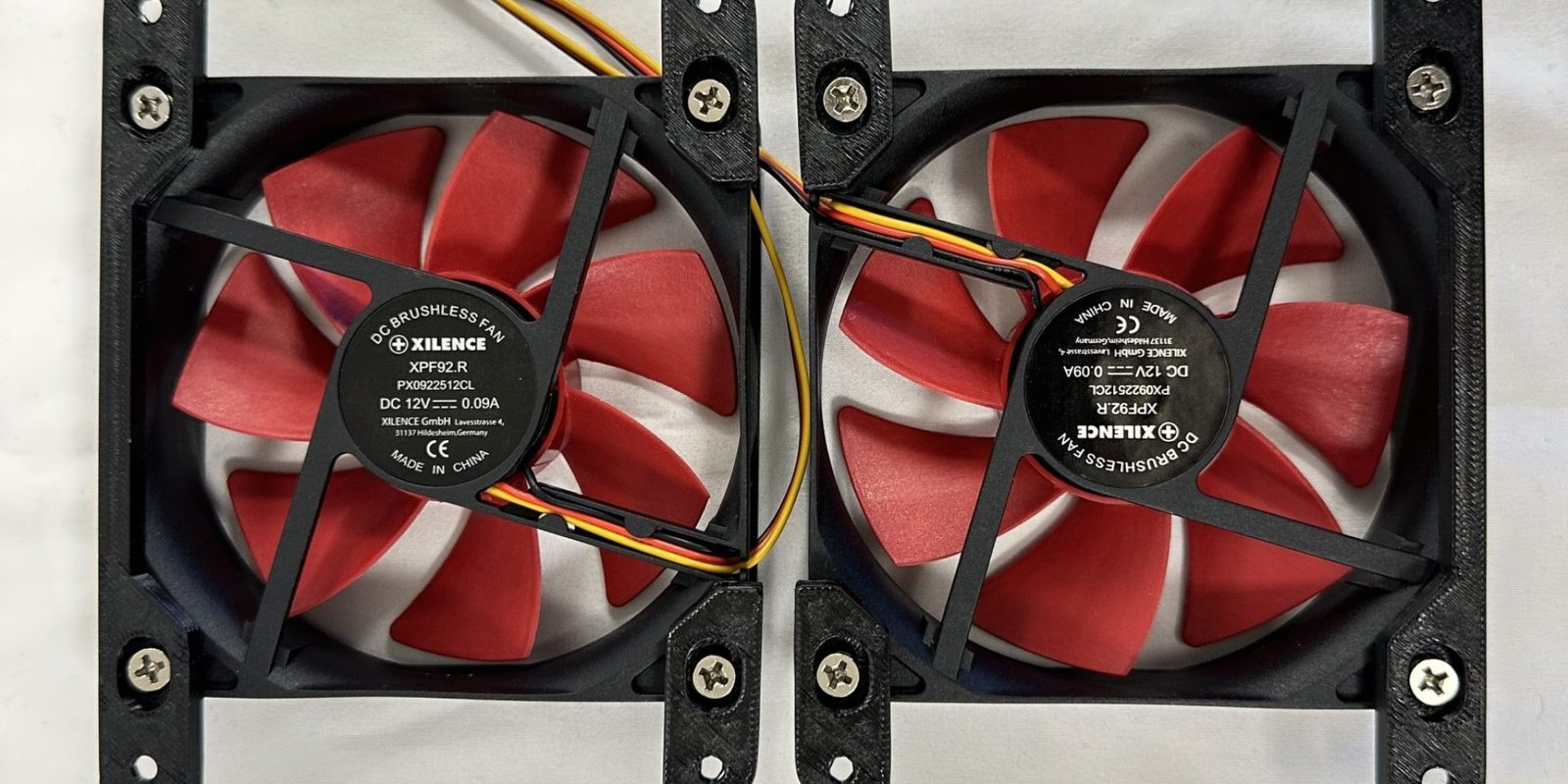
Place a 90mm fan on a flat surface, on the side of choice.
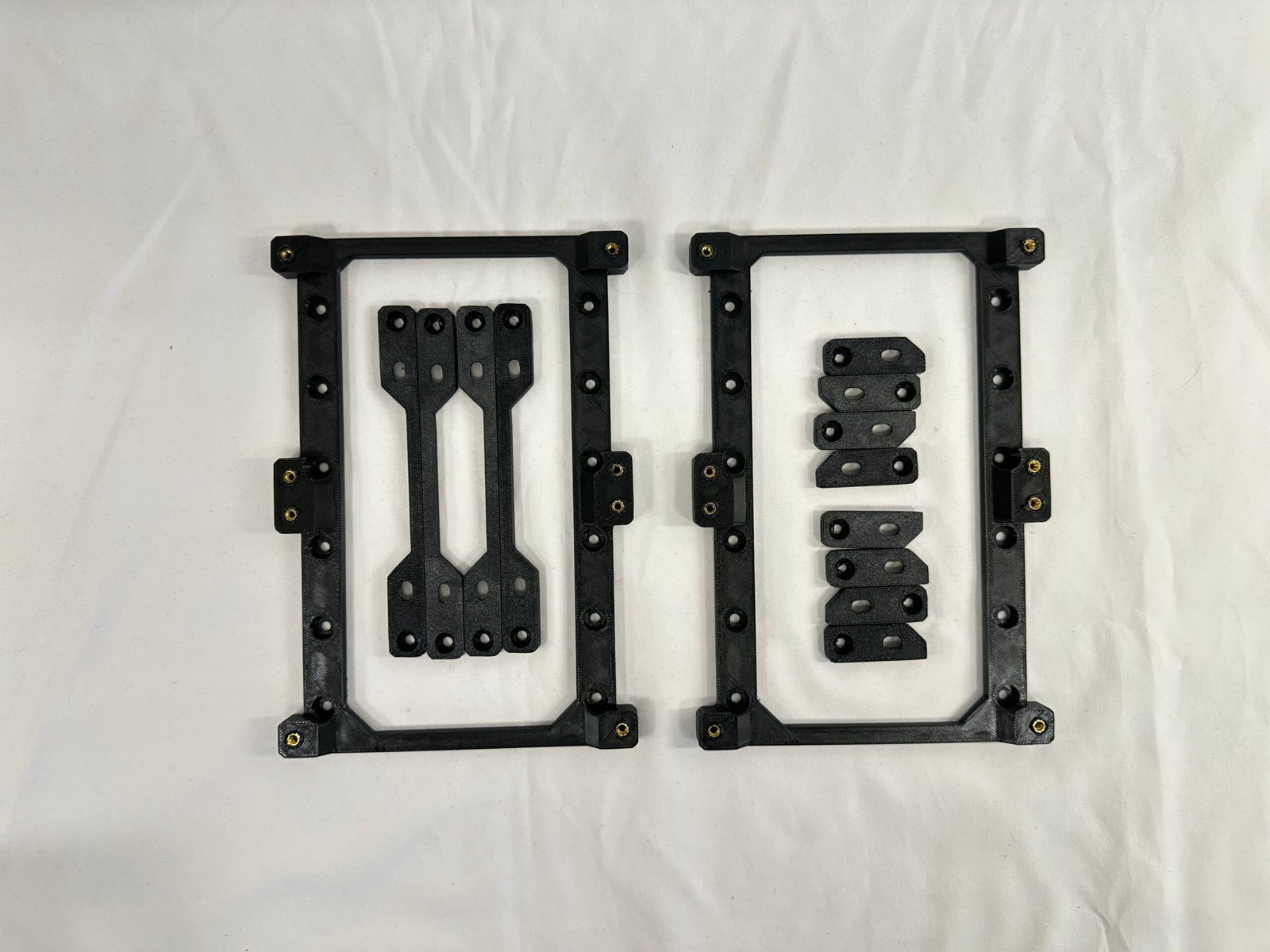
Align the inner screw holes of a long fan adapter to the top screw holes of the fan, with the ridges down towards the fan’s center.
Repeat the process with 2x small fan adapter brackets. (Make sure that the rounded side of the small fan adapters are point away from the fan, like in the image.)
Secure all adapters to the fan with 4x fan screws.
Repeat this process for each fan you plan to install.
IMPORTANT!
Install the fan adapters to the fans in such a pattern that you have 2x fans sucking air into the rack, and the other 2x fans blow the air out to achieve optimal cooling after installing all 4x fans to the rack.
Hardware used
4-16× Fan screws (not included)
Tip
There are indentations on each of the fan adapters to help secure them to the fans & to the rack later on.
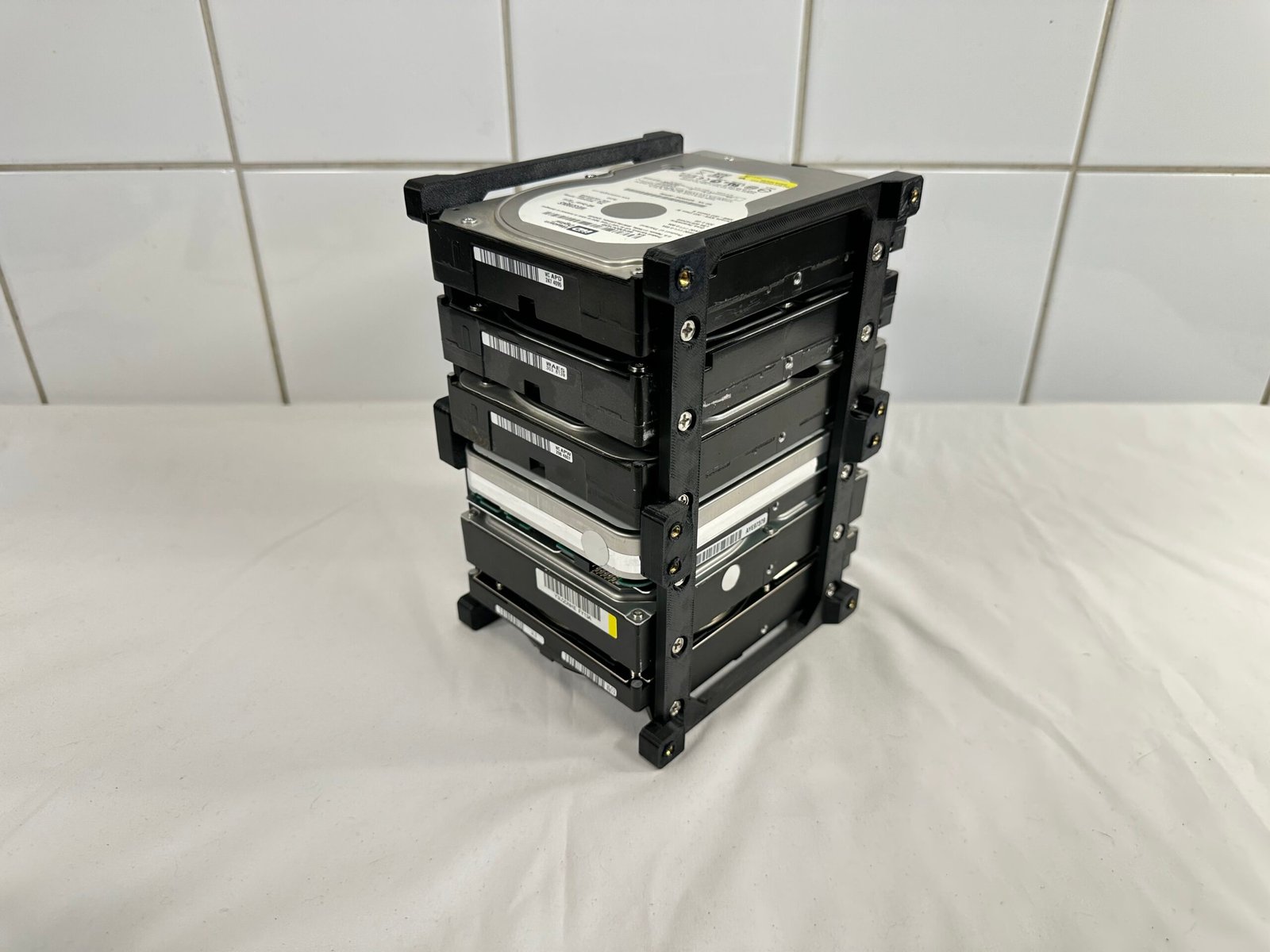
If the storage drive rack is standing up-right: Place it on top of one of its panels.
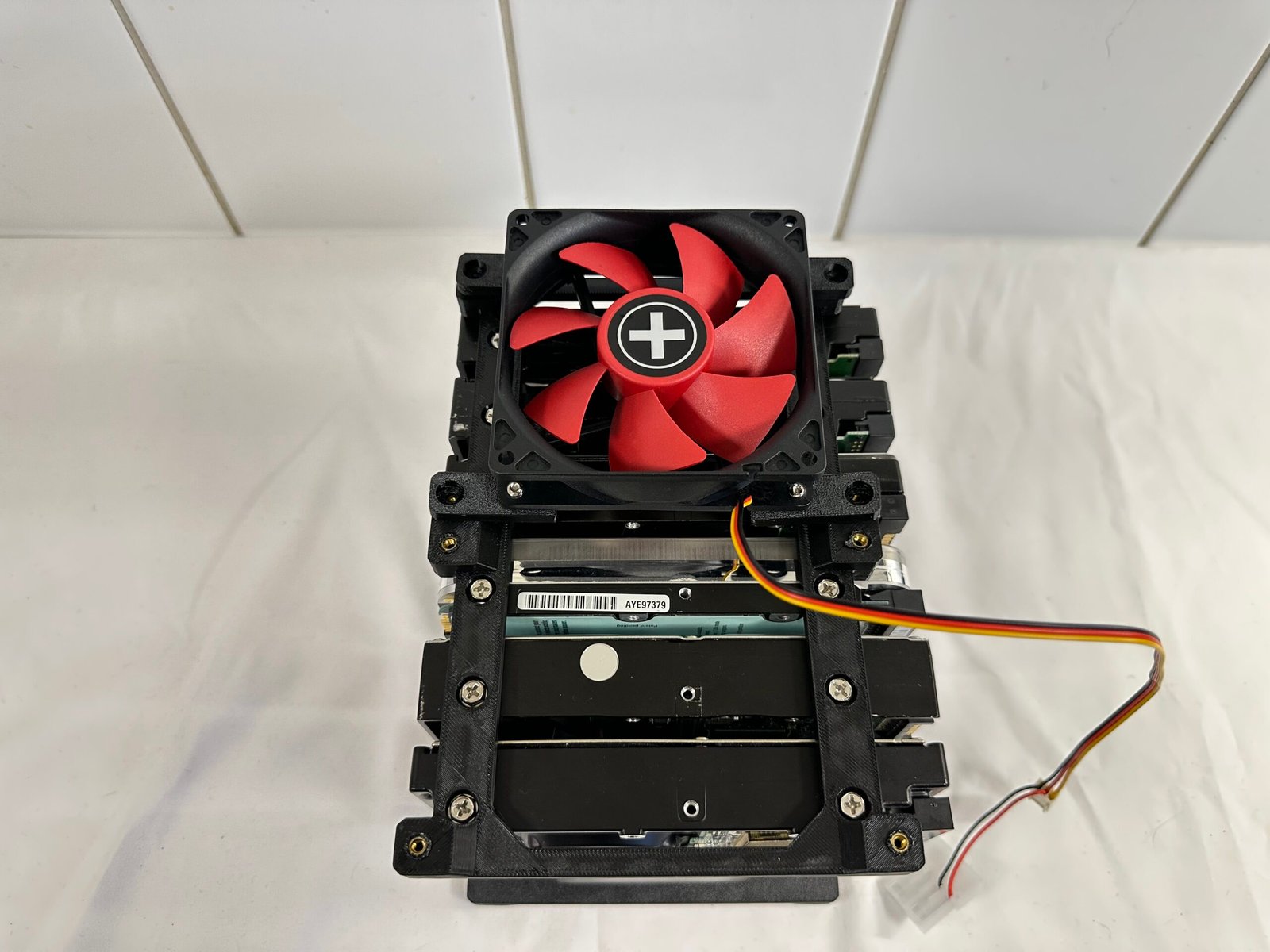
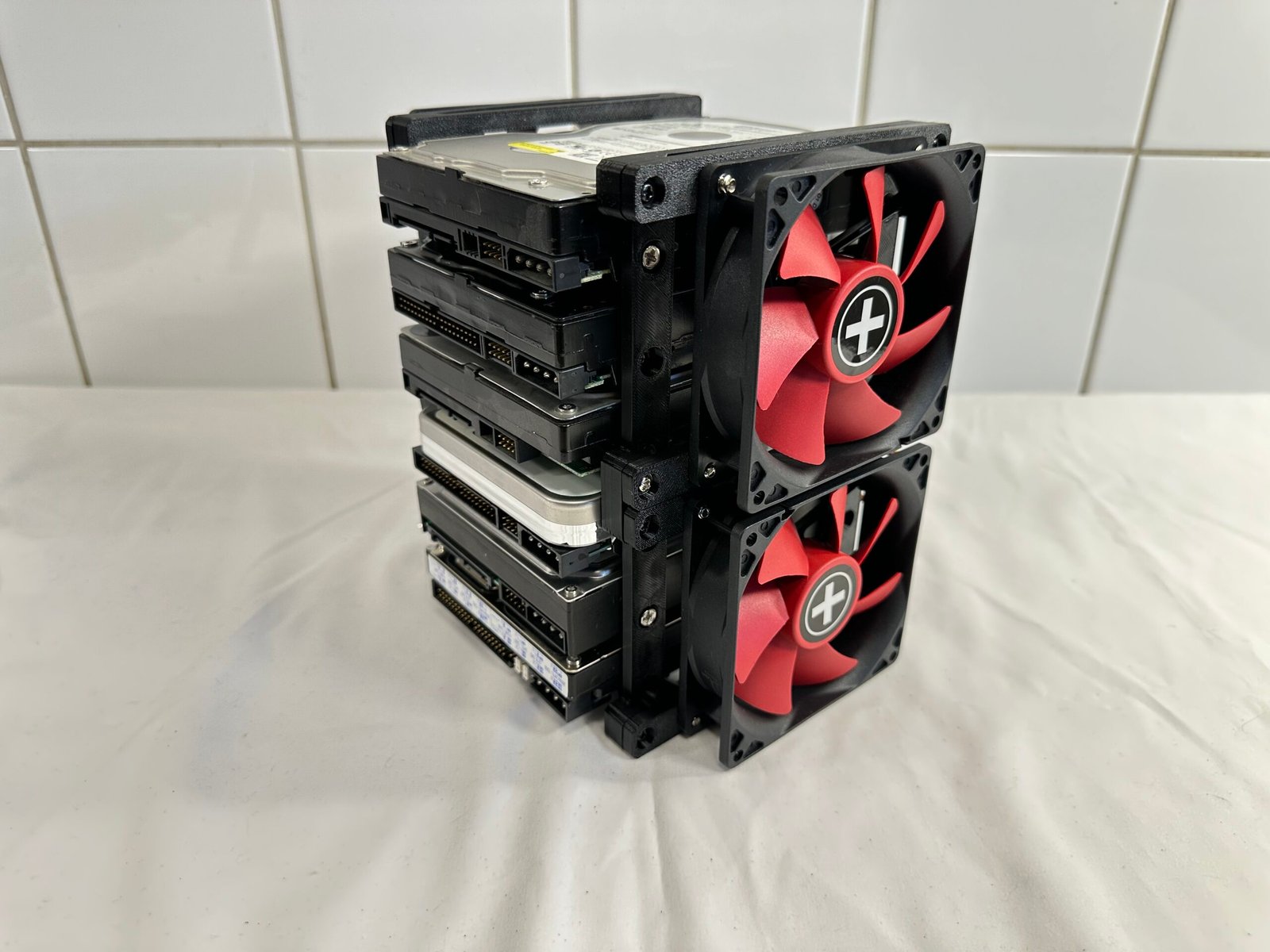
Place a fan, with fan adapters installed, on top of the rack and align it to the metal inserts the sides on the rack.
When in place: Secure the fan assembly with 4x M3 screws.
Repeat the process for the next fan on that side of the panel.
Turn the rack around to the opposite side to install the 2x remaining fans.
IMPORTANT!
Make sure that you have installed the fan adapters to the fans in such a pattern that you have 2x fans sucking air into the rack, and the other 2x fans blow the air out to achieve optimal cooling after installing all 4x fans to the rack.
Hardware used
16x M3 screws
Tip
It’s recommended that you install the assembled fans to the rack with the small fan adapters pointing inwards to the rack’s center.